
API Guide
Welcome to the API Guide. This guide covers the basic information on how to access the Staple website through API requests. You can either read it through this page or download the API guide here.
API stands for Application Programming Interface. It is a collection of communication protocols and subroutines used for communication between various programs - referred to as the client and the server. REST API calls have two phases that ease communication. The client sends a request to a server asking for the required information. The server then processes the request and creates a response containing all the appropriate data. The general methods that form a REST API request are:
- POST - Used to create a new set of data
- PUT - Used to update or replace already existing data
- GET - Used to read data
- DELETE- Used to delete existing data
To understand how communication works, we use a popular platform called Postman. Postman API simplifies working with APIs and helps developers to create, share, test, and document APIs.
Postman Installation
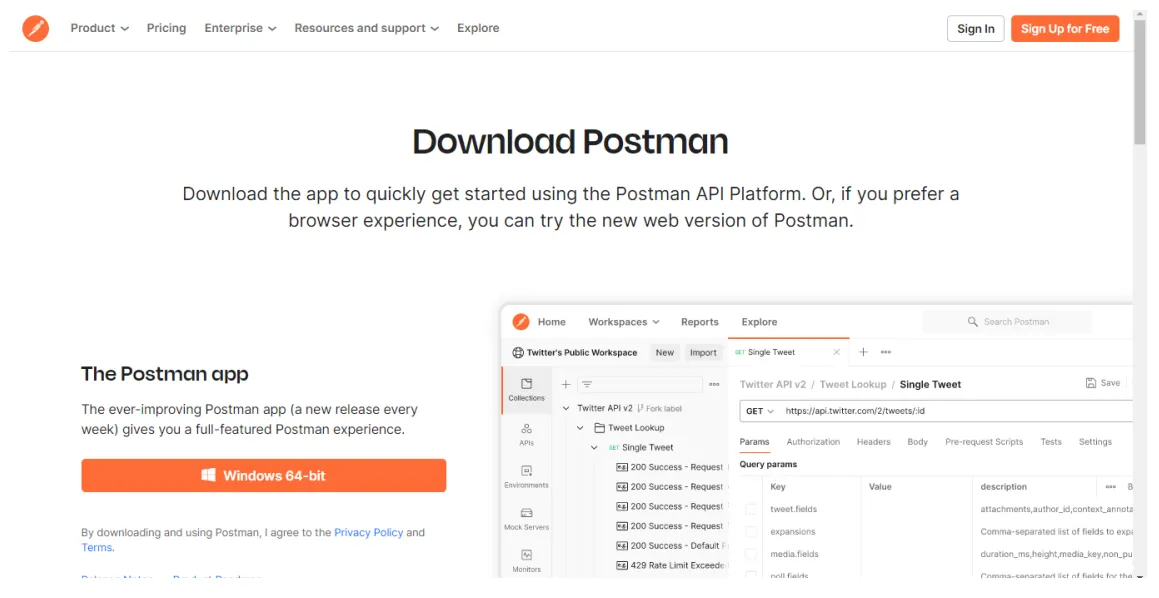
To download Postman, go to https://www.postman.com/downloads/ and select the Postman app according to your operating system (i.e. Windows, Mac, Linux). An .exe file will be downloaded onto your computer. Open the file and follow the steps for the desired configuration. After the installation is complete, you can create a new account or log in to an existing one.
Get the Staple API documentation
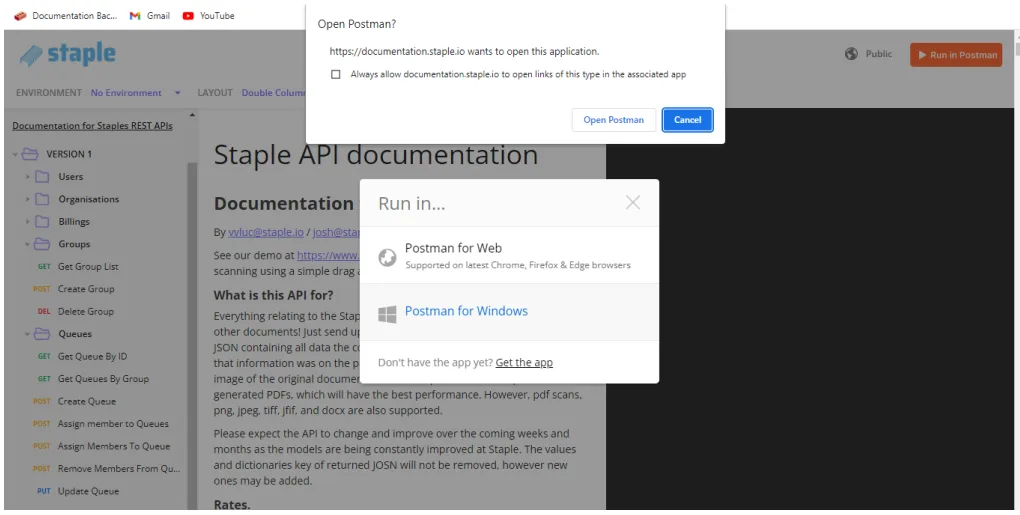
To get the staple API documentation, visit the link https://documentation.staple.io/. The documentation contains everything related to the Staple platform such as scanning invoices, receipts and other documents. To run this in Postman, click on the orange button on the top right labeled “Run in Postman”. It will direct you to the Postman account.
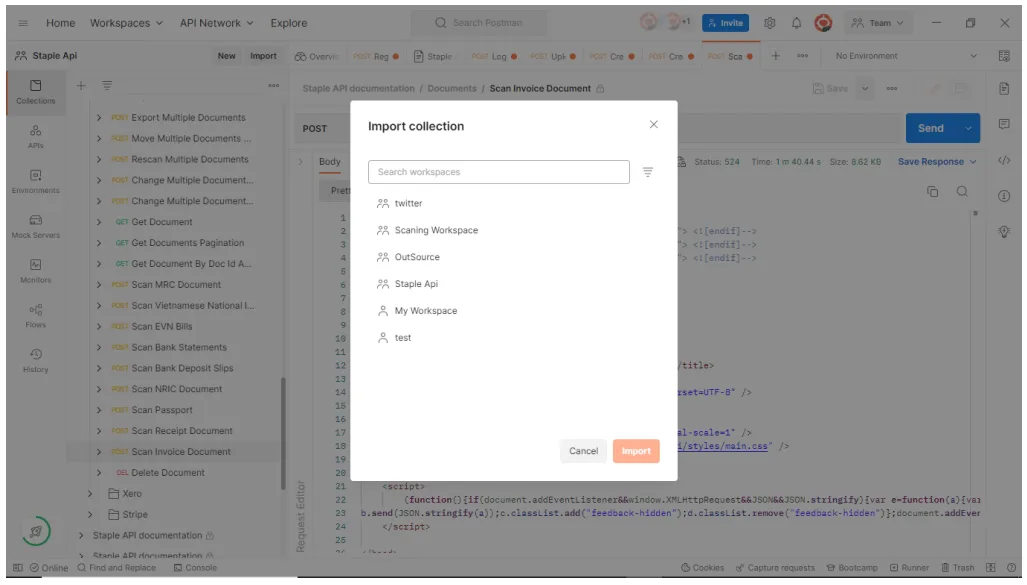
Select the desired workspace and click on the Import button.