

Document Redaction
What is redaction?
Redaction is a feature that blacks out sensitive information in documents. Users can utilize this functionality for audit purposes.
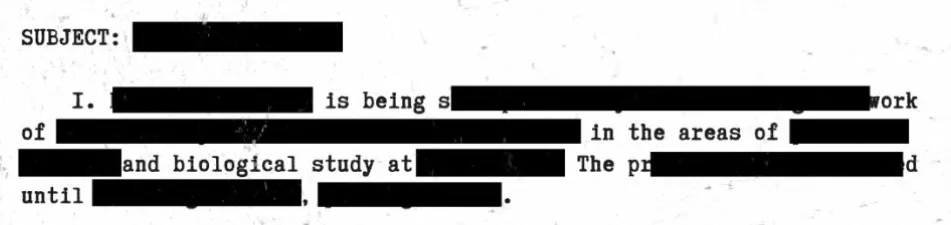
Use cases
Customer X has over 500,000 documents and email files (.pdf, .msg, .tif) containing credit card numbers. According to the country’s regulations, they are prohibited from displaying or storing these credit card numbers in their database. The primary challenge lies in processing such a large volume of documents efficiently while ensuring compliance.
Redaction via the UI
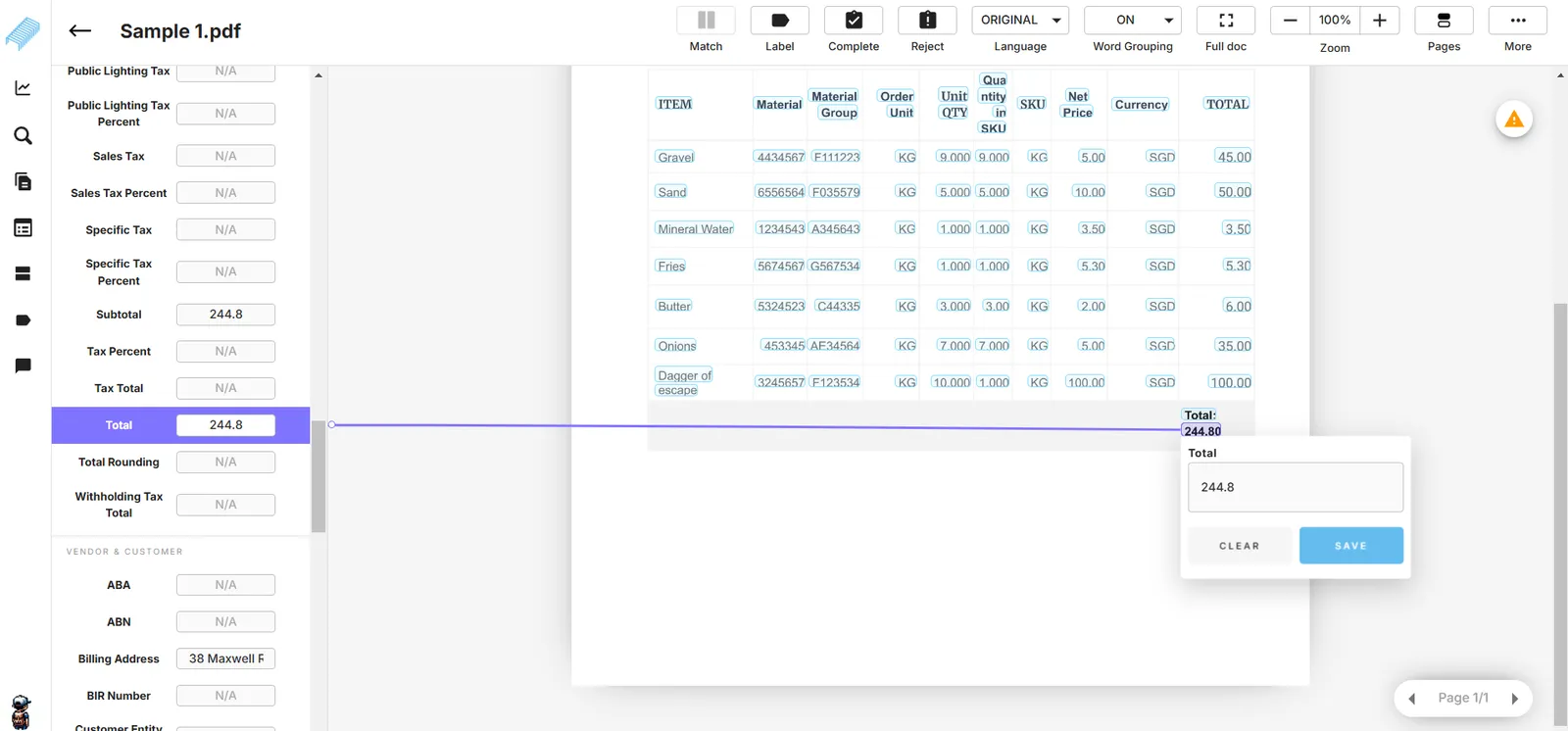
Open a document in the Completedtab. Decide the fields you want to redact. In this example, we will redact Total.
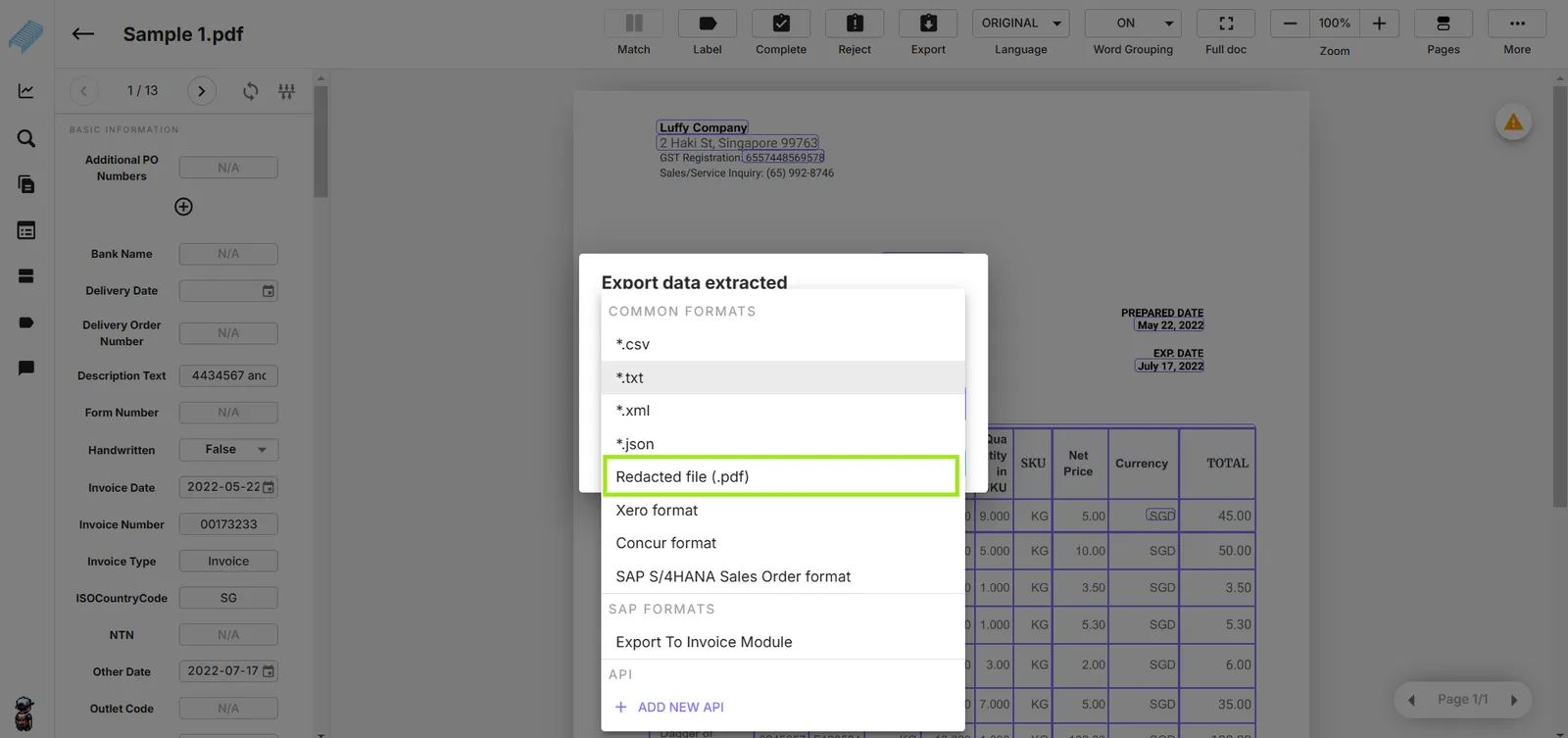
On the top horizontal bar, select “Export” and “Redacted files (.pdf)”.
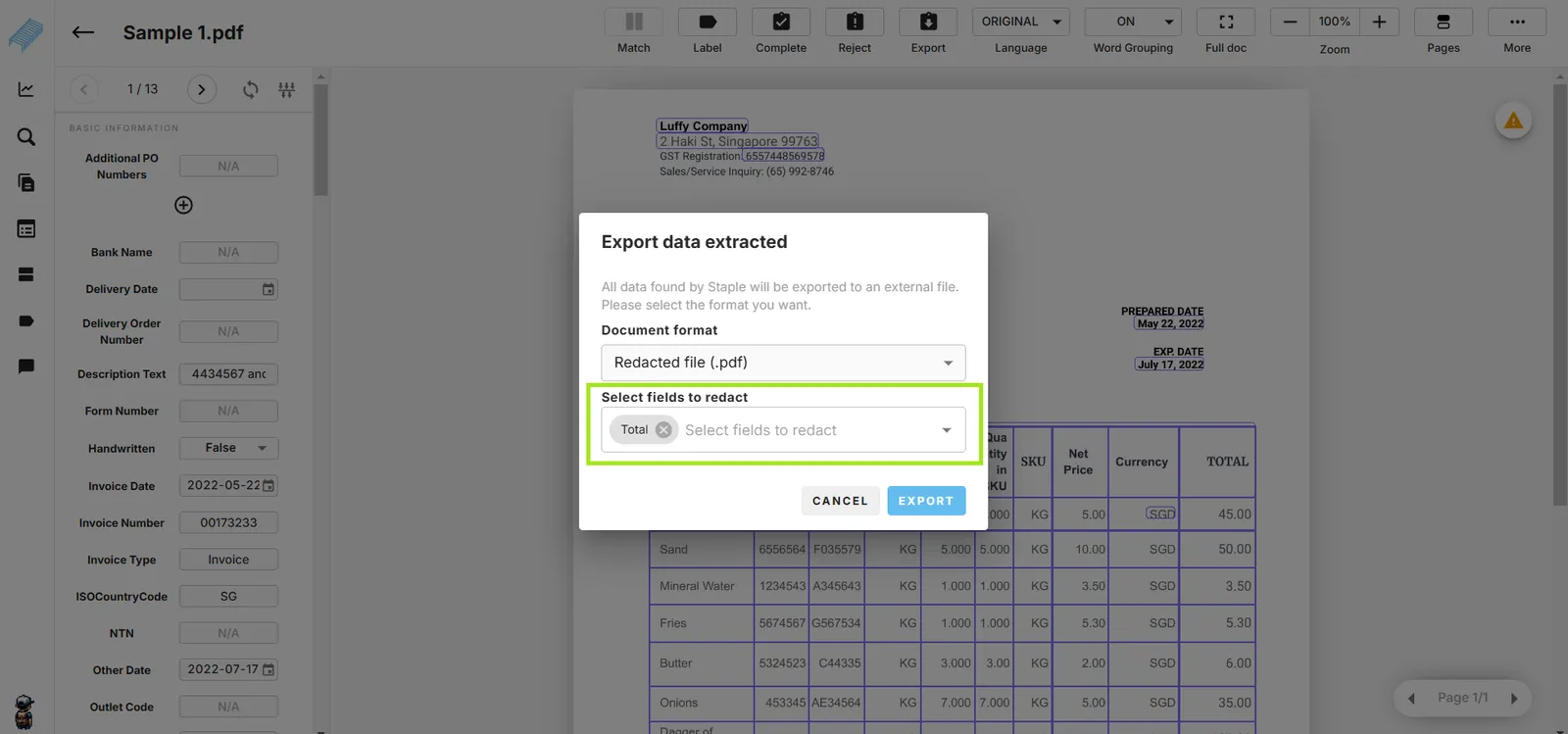
Select fields to redact. You can select multiple fields. Then click the blue button “Export”.
The system will display the green status bars.
Redaction process spend time for a while in the background. This message inform users to wait.
This message confirms the redaction is completed.
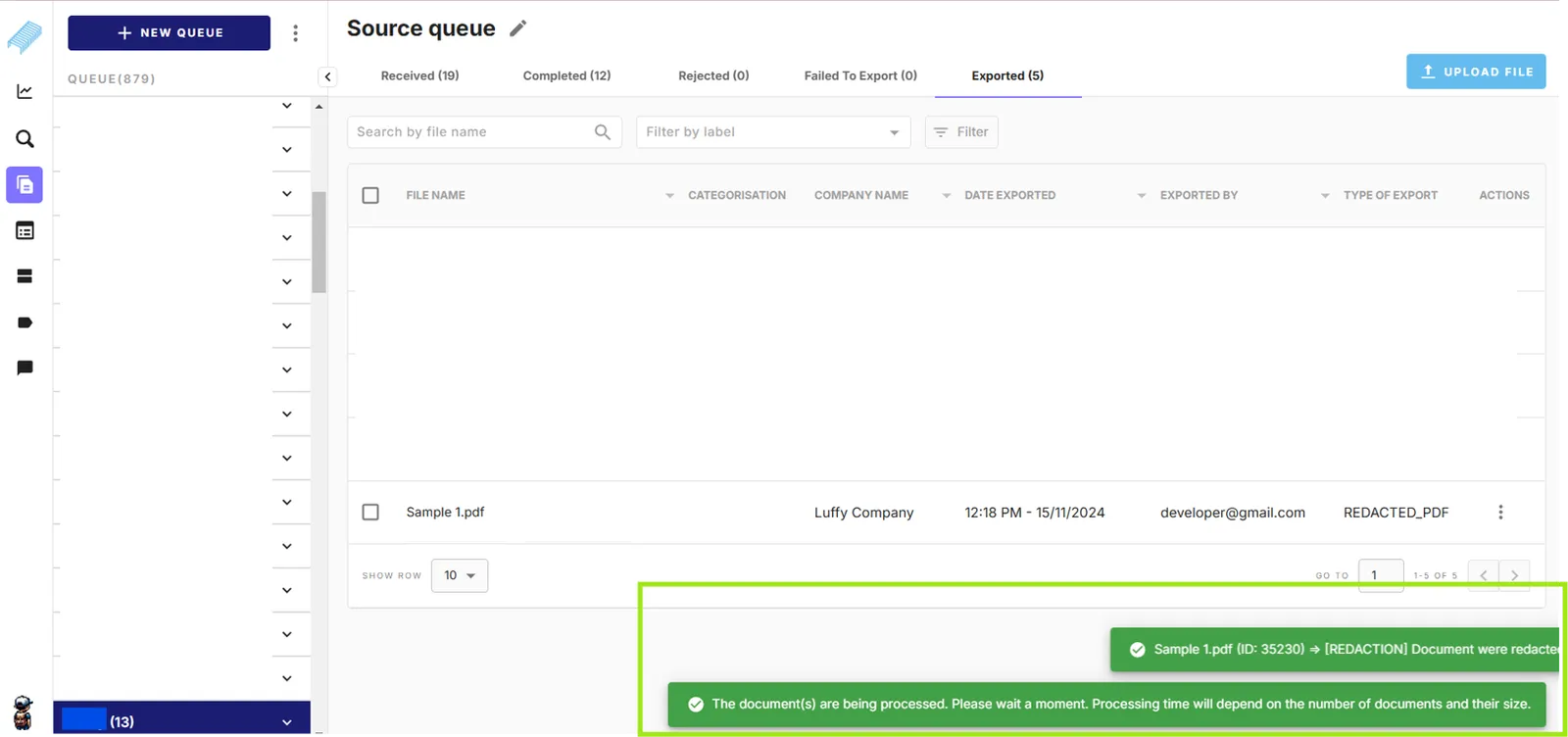
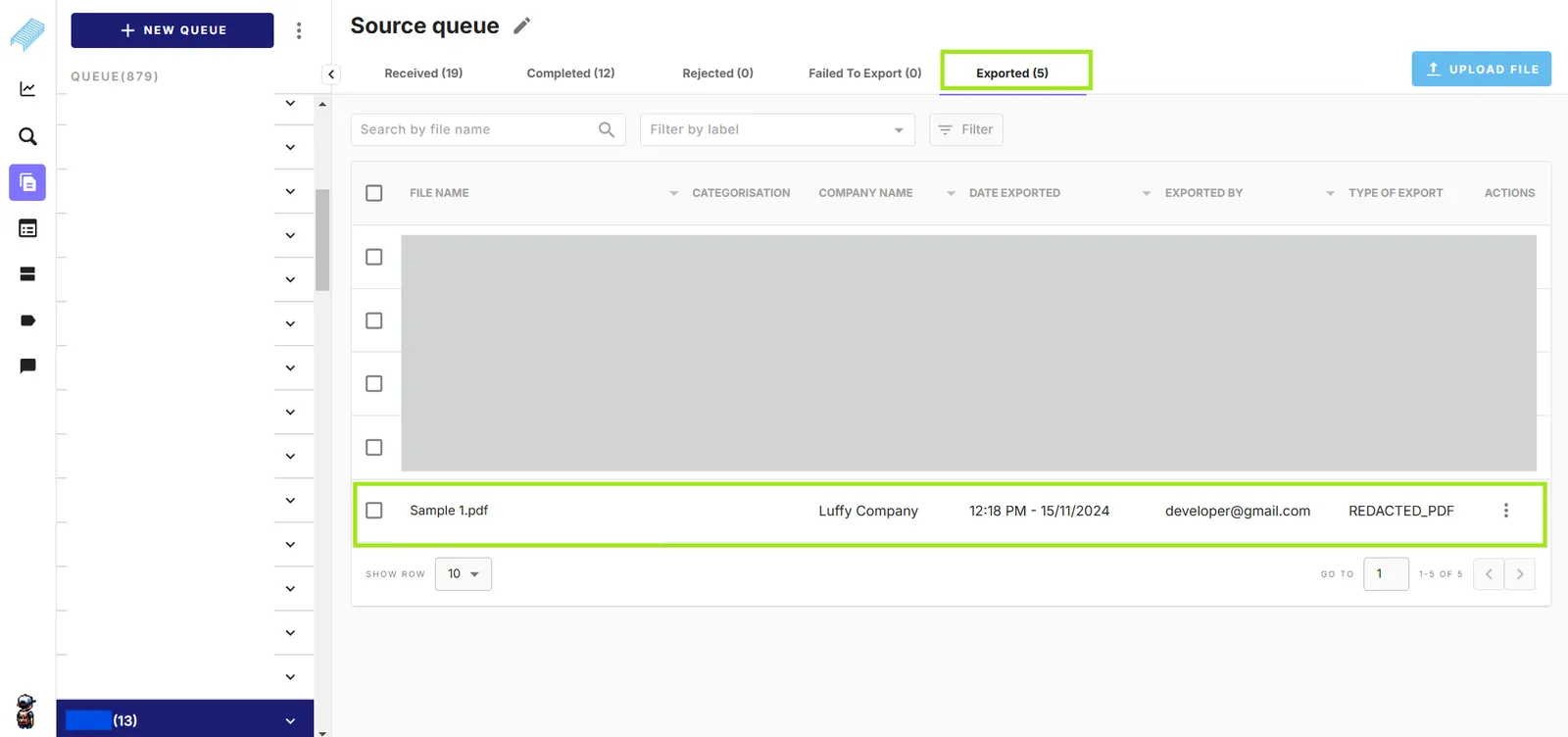
Once completed, the document will be moved to the Exported tab. If you open the exported document, you will not see the redacted version on the website. To get the redacted file, proceed with the next step.
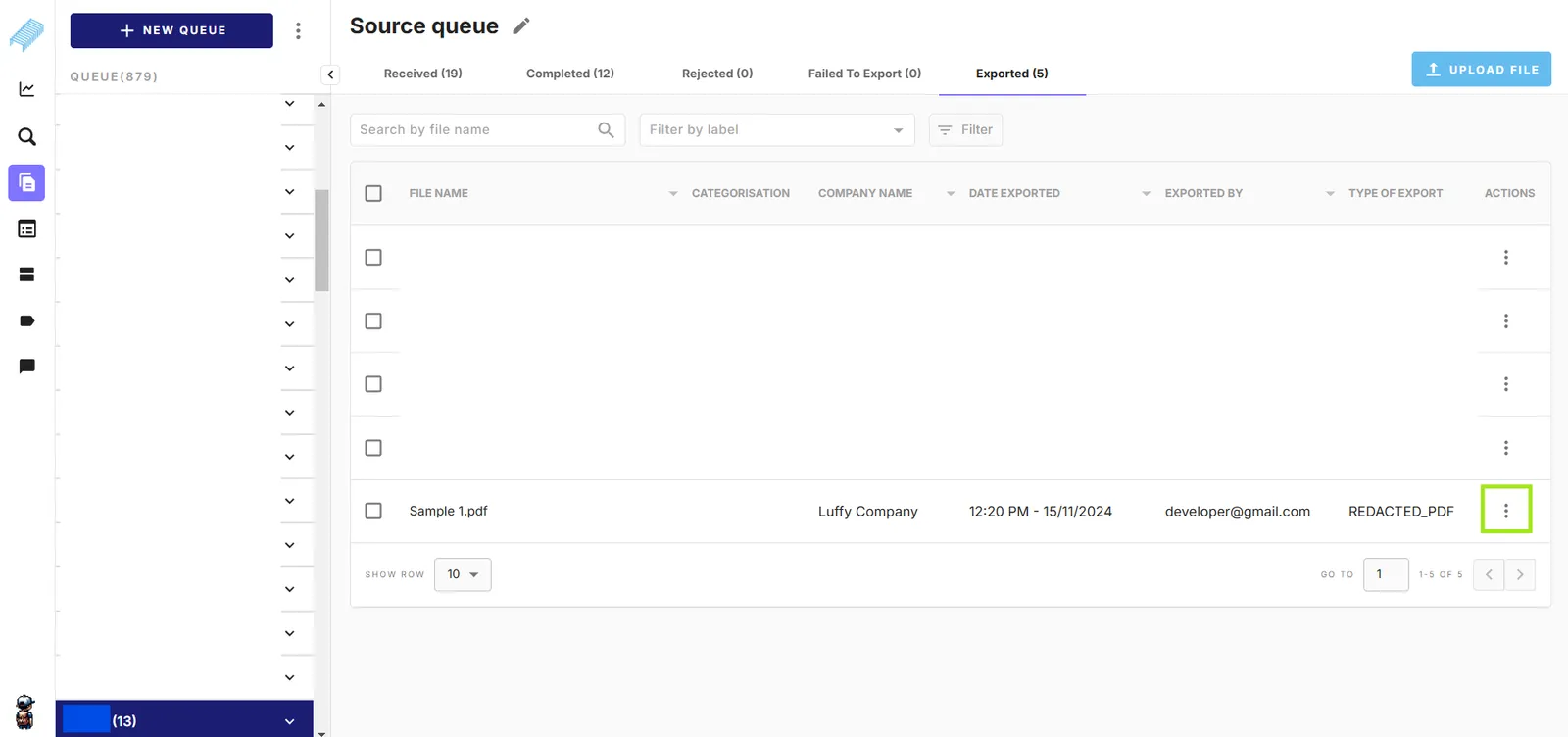
Click the three-dot icon of the document.
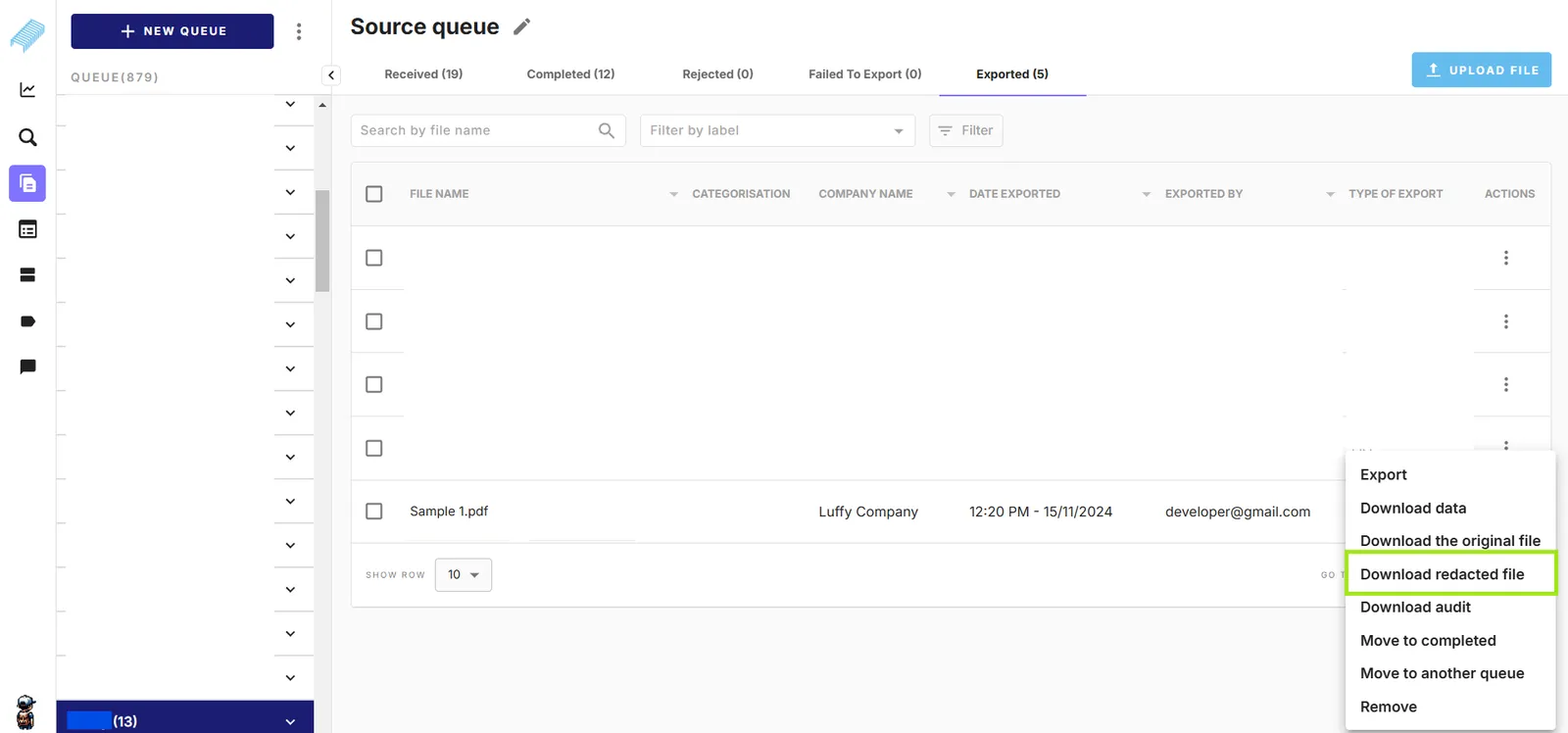
Click “Download redacted file”. The current system allows to download one redacted file at a time. A zip file “redactions.zip” will be downloaded to your computer.
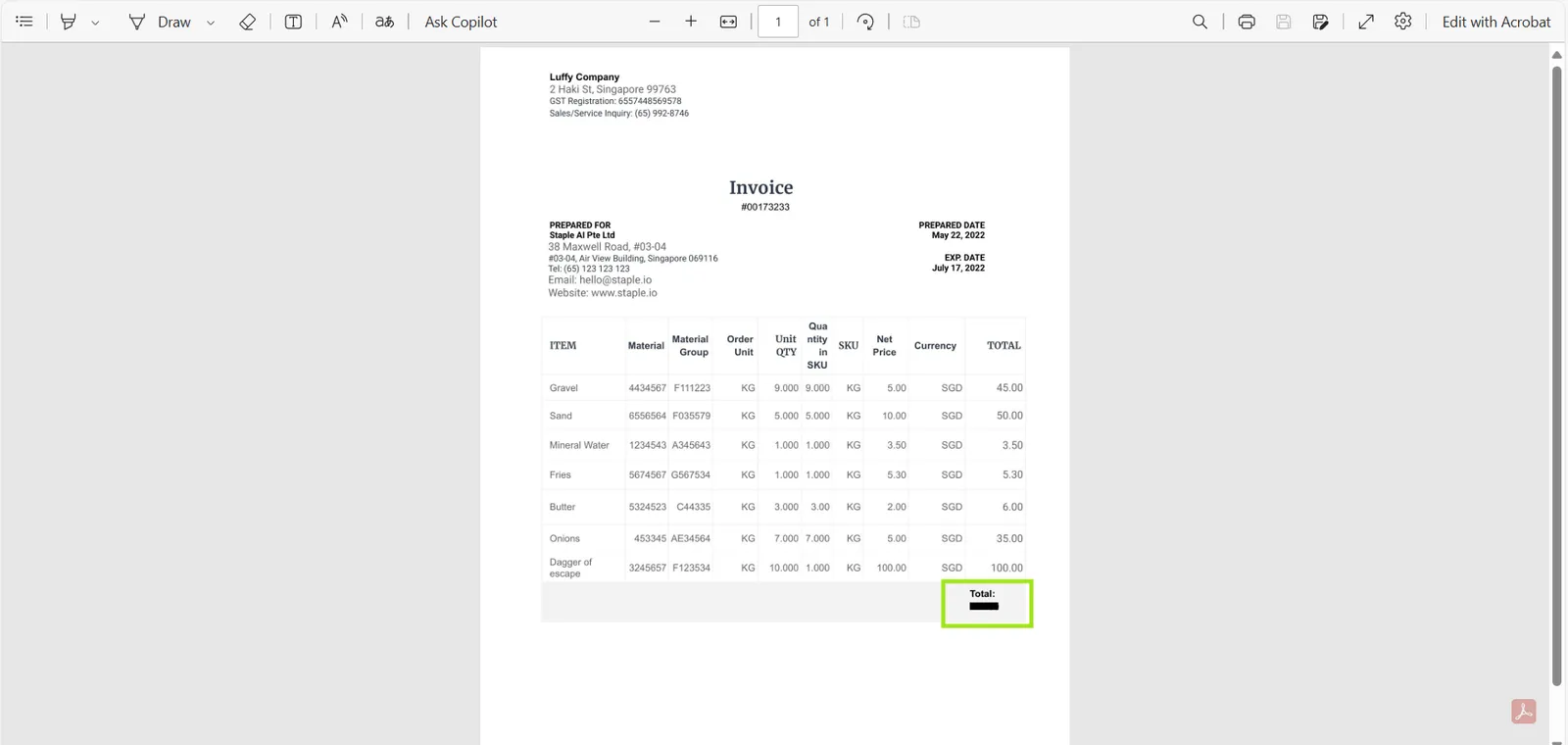
Extract the zip file and you will see the redacted document. The value of the selected field “Total” is redacted (blacked out).
Redaction via API endpoint
Staple AI implemented a solution to detect credit card numbers and redact the relevant fields. The system imports a large number of documents into queues, identifies the credit card numbers, performs bulk redaction via an API endpoint, and finally exports the redacted files to Customer X’s system.
- POST Redact Documents (link)
https://api.staple.io/v2/redaction/document
- GET Tracking Redacted Document (link)