
Monthly release notes for Staple AI
November '24
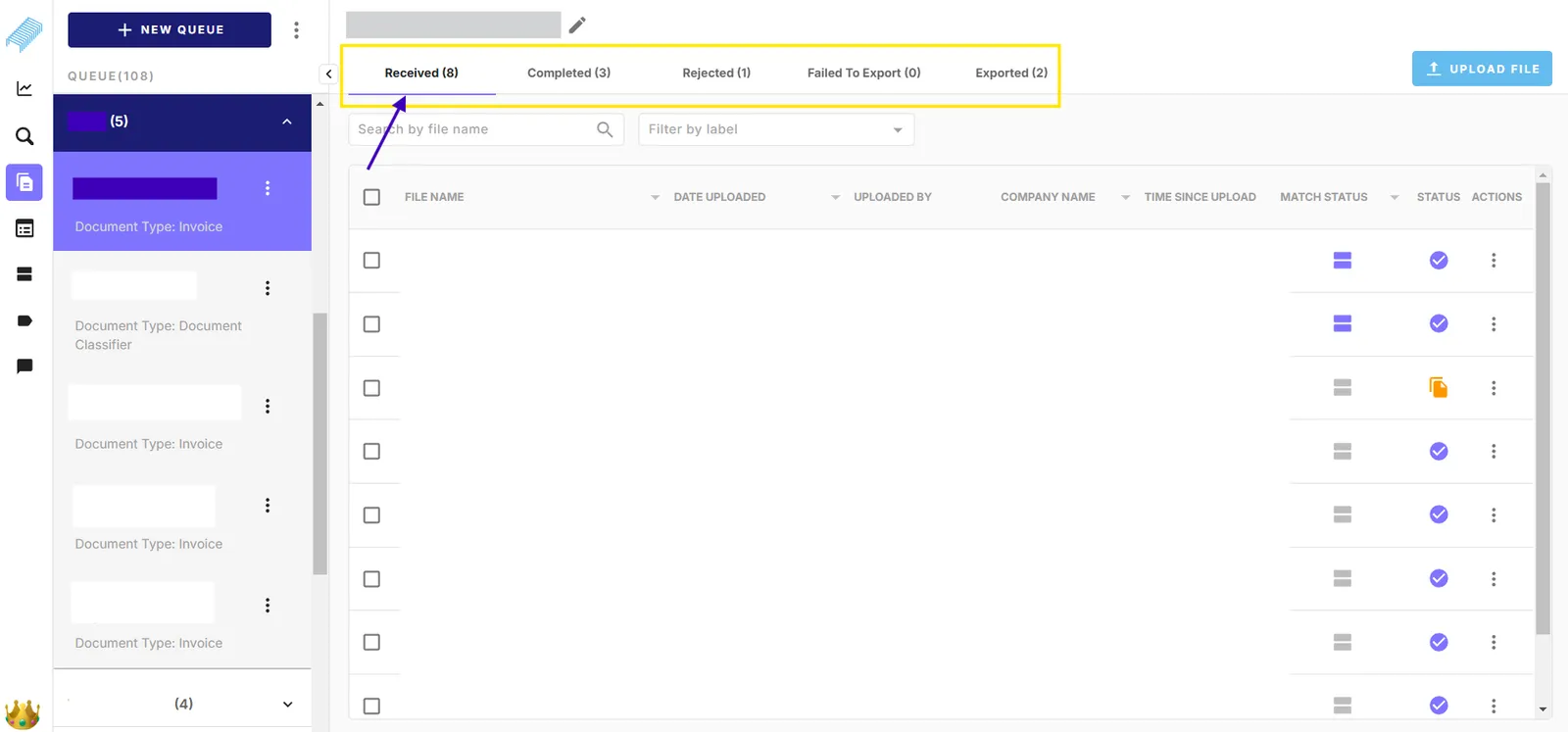
View number of documents
The digits inside brackets (x) indicate the number of documents in each tab. The number will be immediately updated when the document movement actions are triggered such as moving to different status, moving to another queue, and removing documents.
Open a document in a new tab
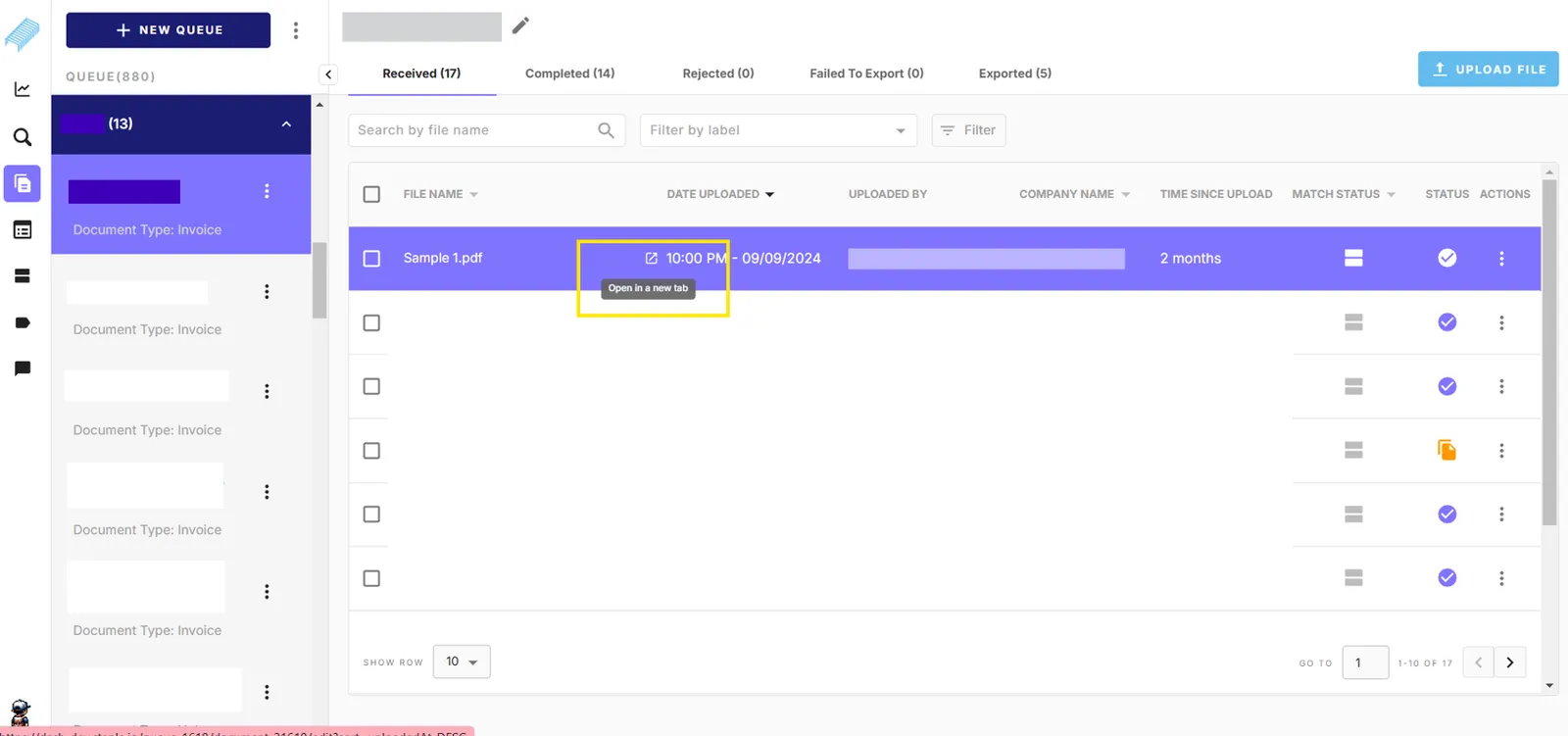
The system highlights the record that you are about to select in purple. Normally when you click anywhere on the record, the system will display the selected document in the current browser tab.
To open the document in a new browser tab, you can hover your cursor and click the arrow icon “*Open in a new tab”.*Once clicked, a new tab of the select document will appear in your browser.
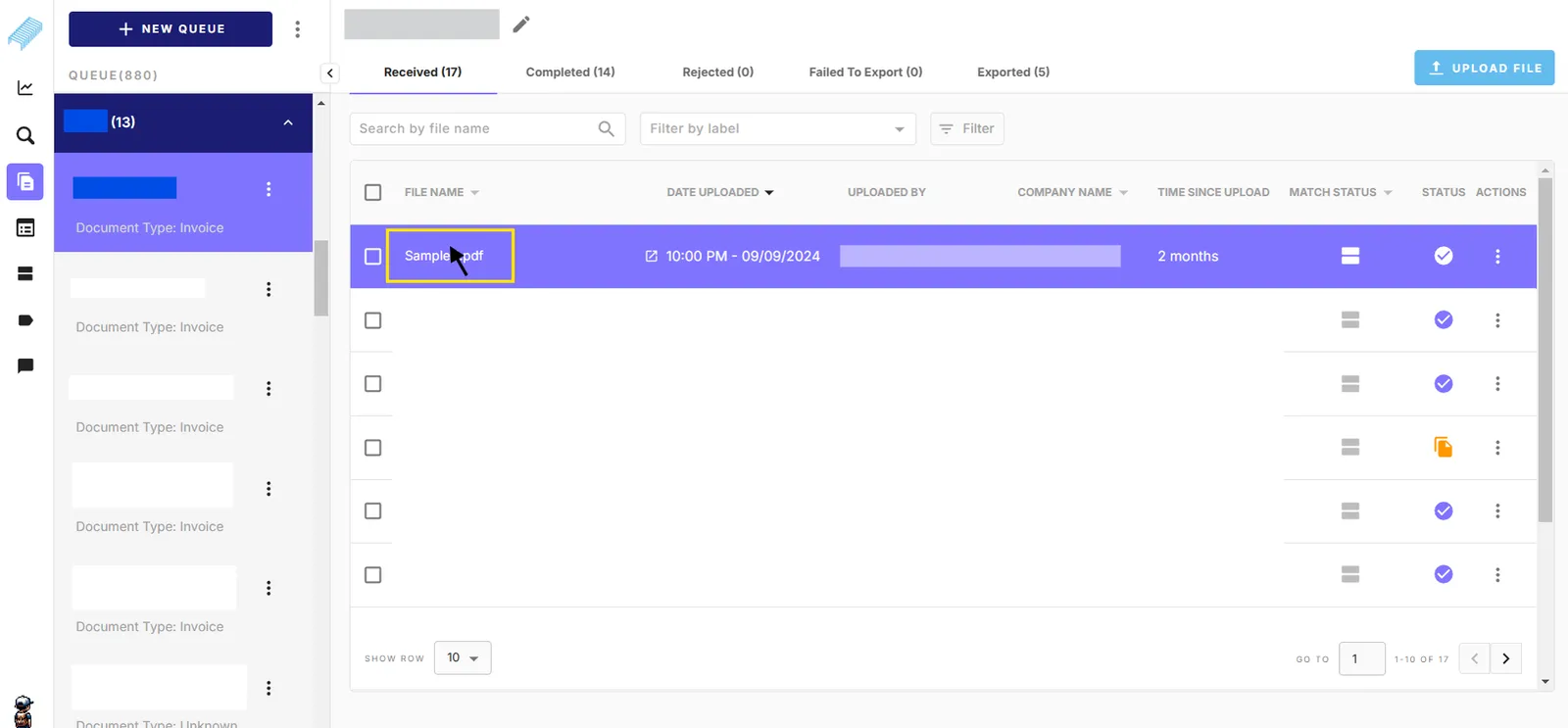
Alternatively, you can hover your cursor over the file name and press Ctrl + Left click. This approach also opens a new tab of the selected document in your browser.
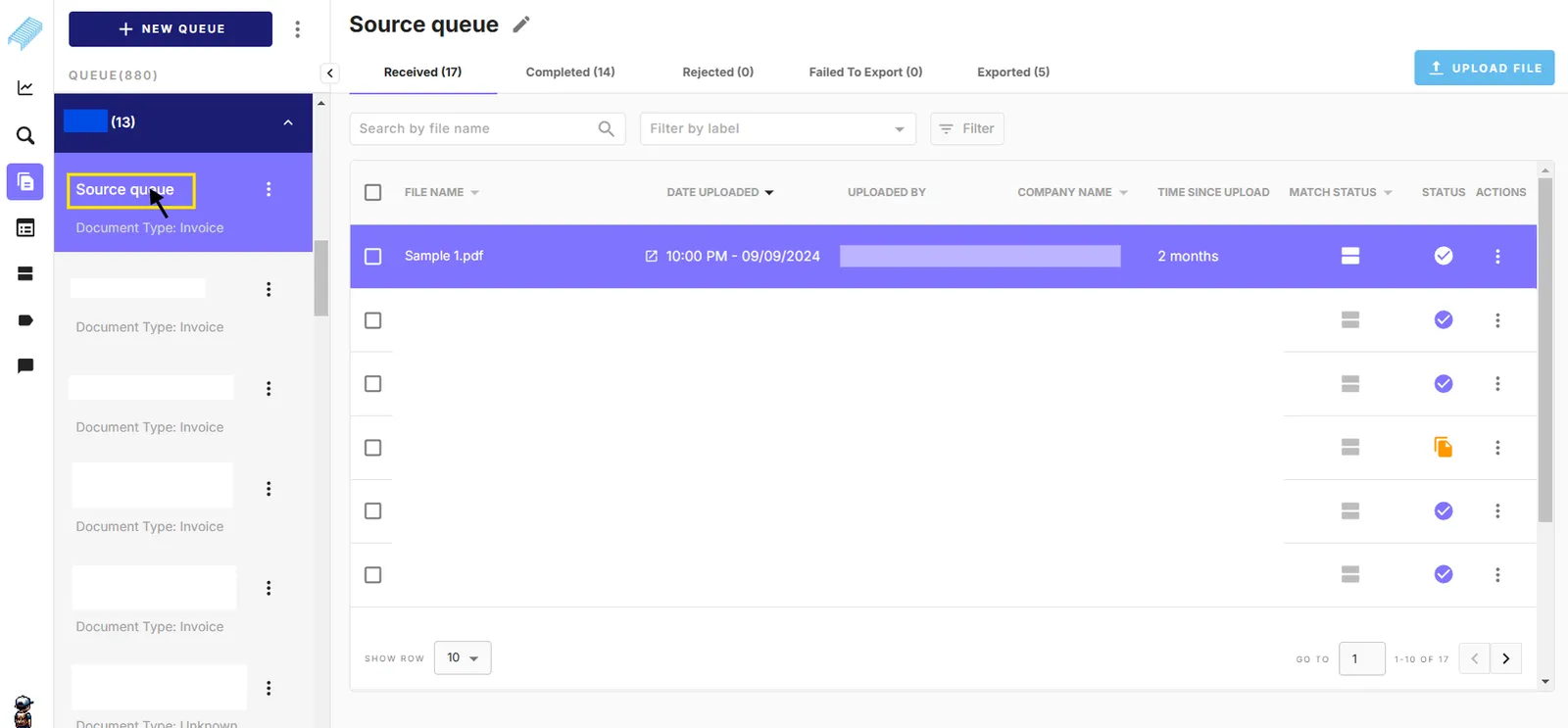
Also, You can use Ctrl + Left click with several parts on the interface to open a new tab such as
- Queue name
- Received, Completed, Rejected, Failed to Export, Exported
- Match status column with “Click to view matching”
- Advance search results listing documents
- Template documents in Model
- Matching tuples